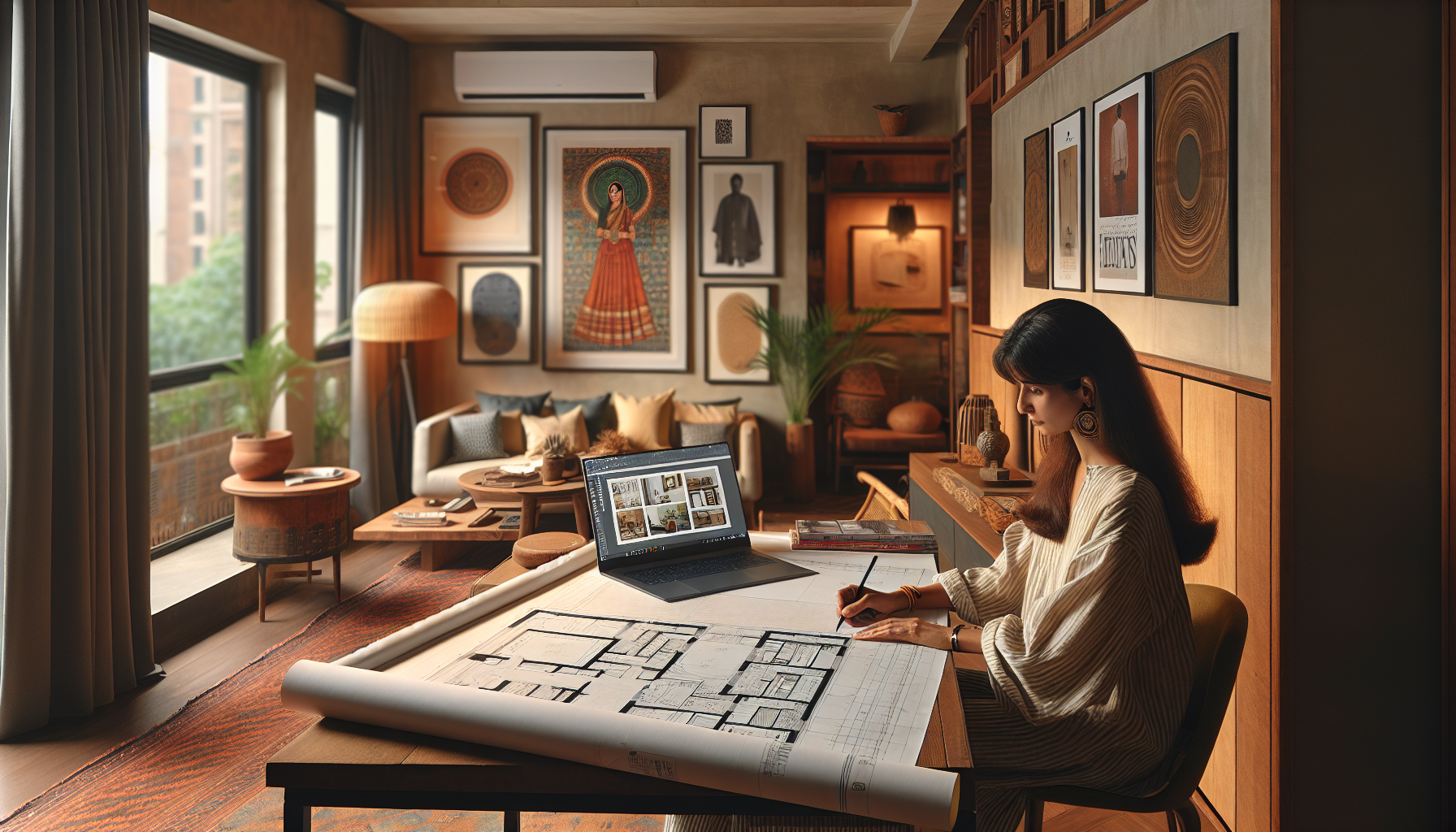
On a bustling Saturday morning in Bangalore, the aroma of freshly brewed coffee mingles with the earthy notes of rain-dampened soil. In a cozy corner of her modest 2BHK apartment, designer Ananya unfurls a blueprint across her wooden desk. Her laptop hums to life, unveiling a digital canvas that will bring her client's dream home to life. Like many interior designers in India, Ananya relies on a suite of software tools to transform her creative visions into reality. From the intricate jaalis of a Mughal arch to the vibrant hues of a Kanjeevaram-inspired living room, these tools are her magic wand. Let’s dive into the best software that can turn sketches into stunning spaces, both free and paid.
AutoCAD: The Industry Standard
AutoCAD is like the sheesham wood of design software—reliable, sturdy, and a staple in every designer's toolkit. Used extensively across India, from the architectural firms in Mumbai to the bustling studios of Delhi, AutoCAD is a powerhouse for creating detailed drawings and blueprints. Priced at around ₹10,000 per year for the student version, it's an investment that pays off in precision.
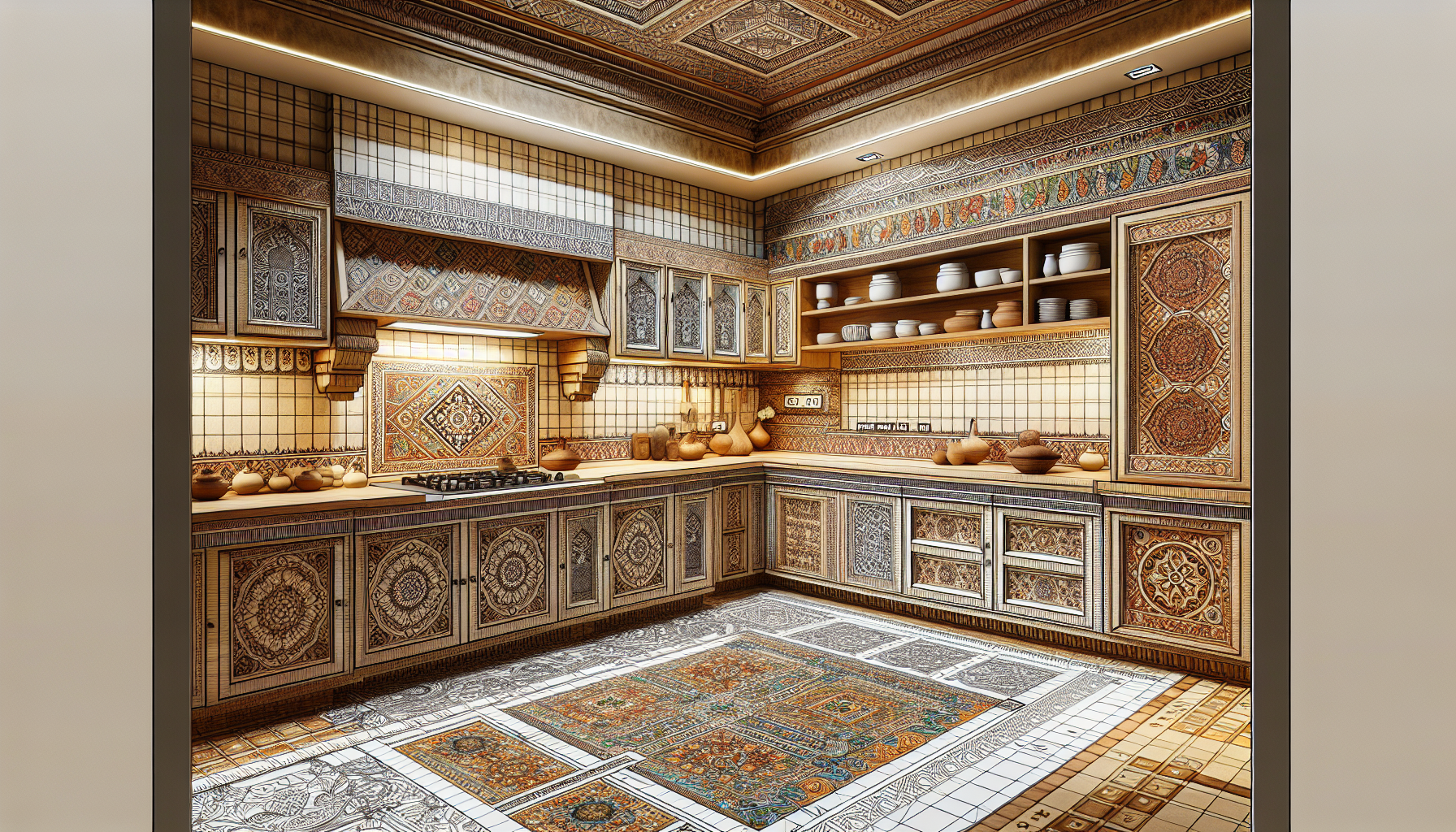
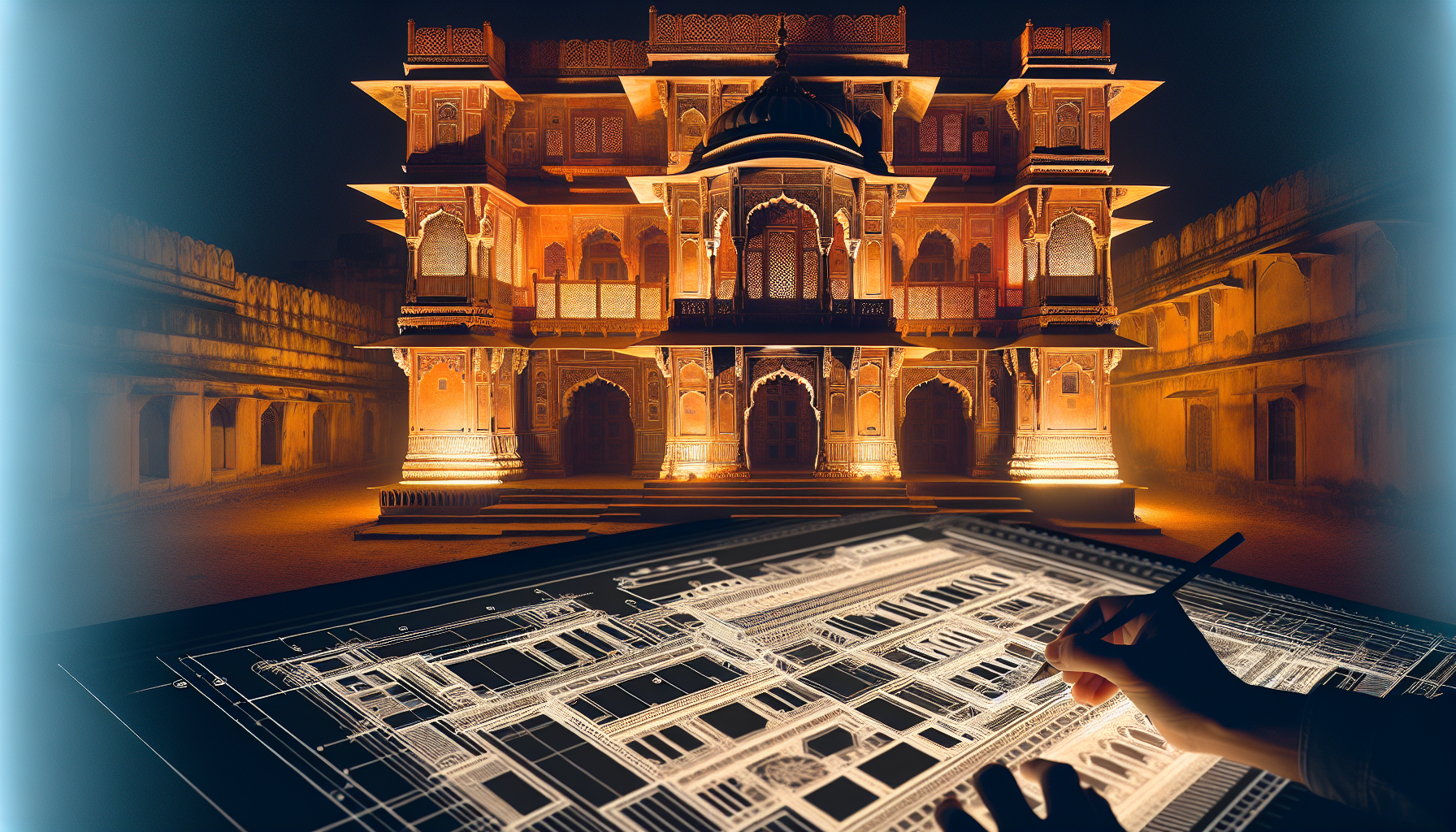
Imagine sketching the intricate patterns of Athangudi tiles for a Chettinad-inspired kitchen. AutoCAD allows you to detail every curve and corner. While it might seem daunting initially, once you master it, the possibilities are endless. Many designers swear by its ability to draft accurate floor plans and elevations, making it indispensable for large projects. The software's precision is unmatched, making it ideal for projects requiring meticulous attention to detail, such as the restoration of heritage properties in Jaipur.
Quick Tip: Autodesk often offers free trials and student discounts. Check their website to see if you're eligible for these perks. Additionally, if you're in a large city like Bangalore or Mumbai, consider joining local AutoCAD user groups. These communities can provide valuable insights and support as you learn the software.
SketchUp: User-Friendly and Versatile
For a designer just starting, SketchUp is like a warm cup of masala chai—comforting, easy to grasp, and invigorating. Known for its user-friendly interface, SketchUp is perfect for those who want to dive into 3D modeling without the steep learning curve. Available in both free and paid versions, the latter priced at around ₹24,000 per year, it’s a versatile choice for any budding designer.
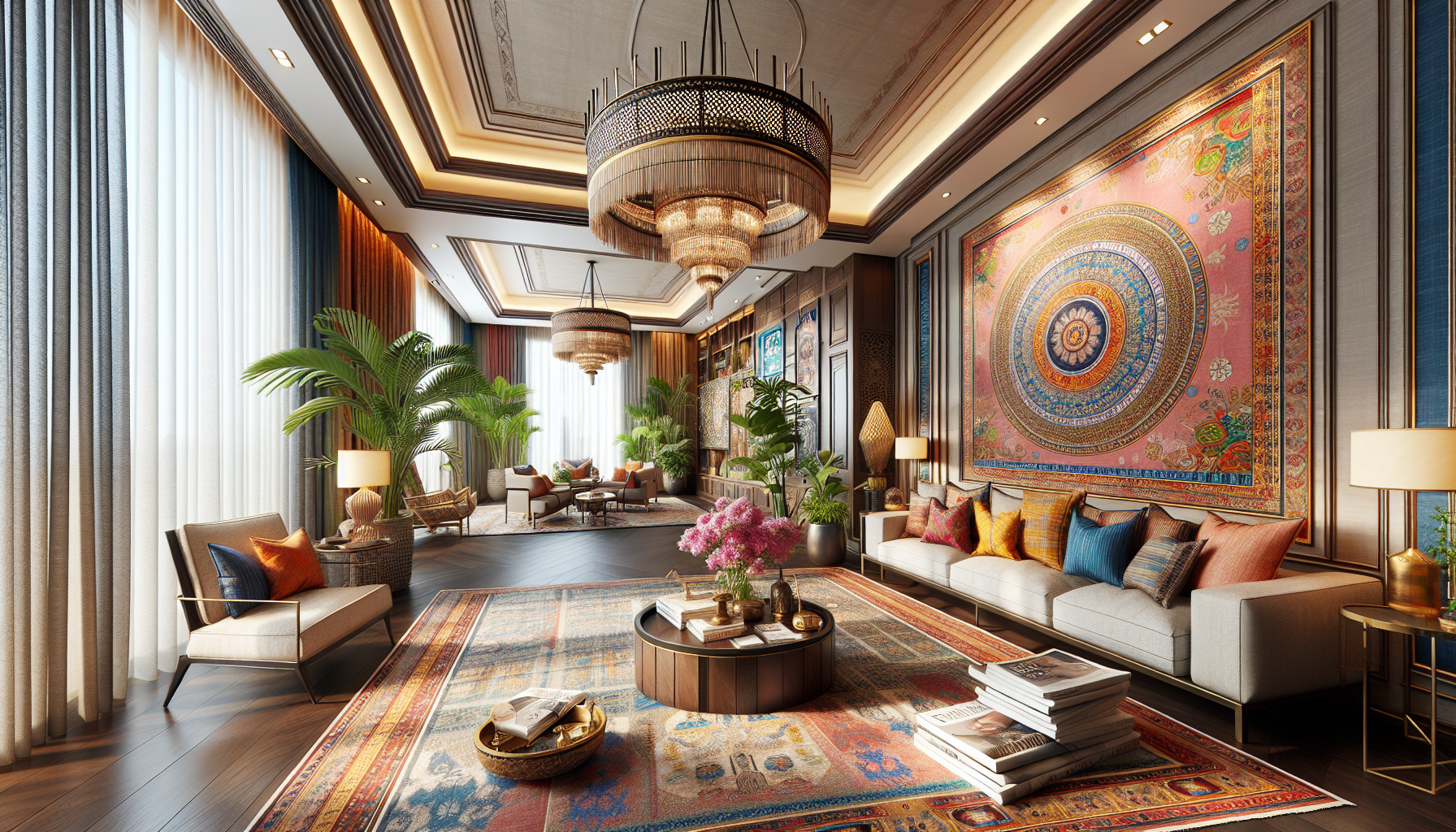
Picture this: You've crafted a vision of a bohemian-style living room with Jaipur Rugs and Fabindia cushions. SketchUp lets you bring this vision to life, allowing you to place each element virtually before committing to a purchase. It's especially handy for quick mock-ups and presentations, letting clients visualize their spaces in vibrant detail. Moreover, with its vast library of pre-designed elements, you can easily integrate products from renowned brands like Godrej Interio or Durian Furniture.
An insider tip for SketchUp users is to explore the 3D Warehouse, a repository of free models that can save hours of design time. You can download everything from a sleek Urban Ladder sofa to a classic Nilkamal dining set, helping you create detailed and realistic interior designs.
3ds Max: For the Pros
3ds Max is the Kanjeevaram silk of design software—luxurious, intricate, and a bit on the pricier side, with annual fees around ₹1,20,000. It's favored by professionals who demand high-quality 3D models and animations. Used across the design studios in Ahmedabad and Kolkata, 3ds Max is perfect for those who want to take their designs to the next level.
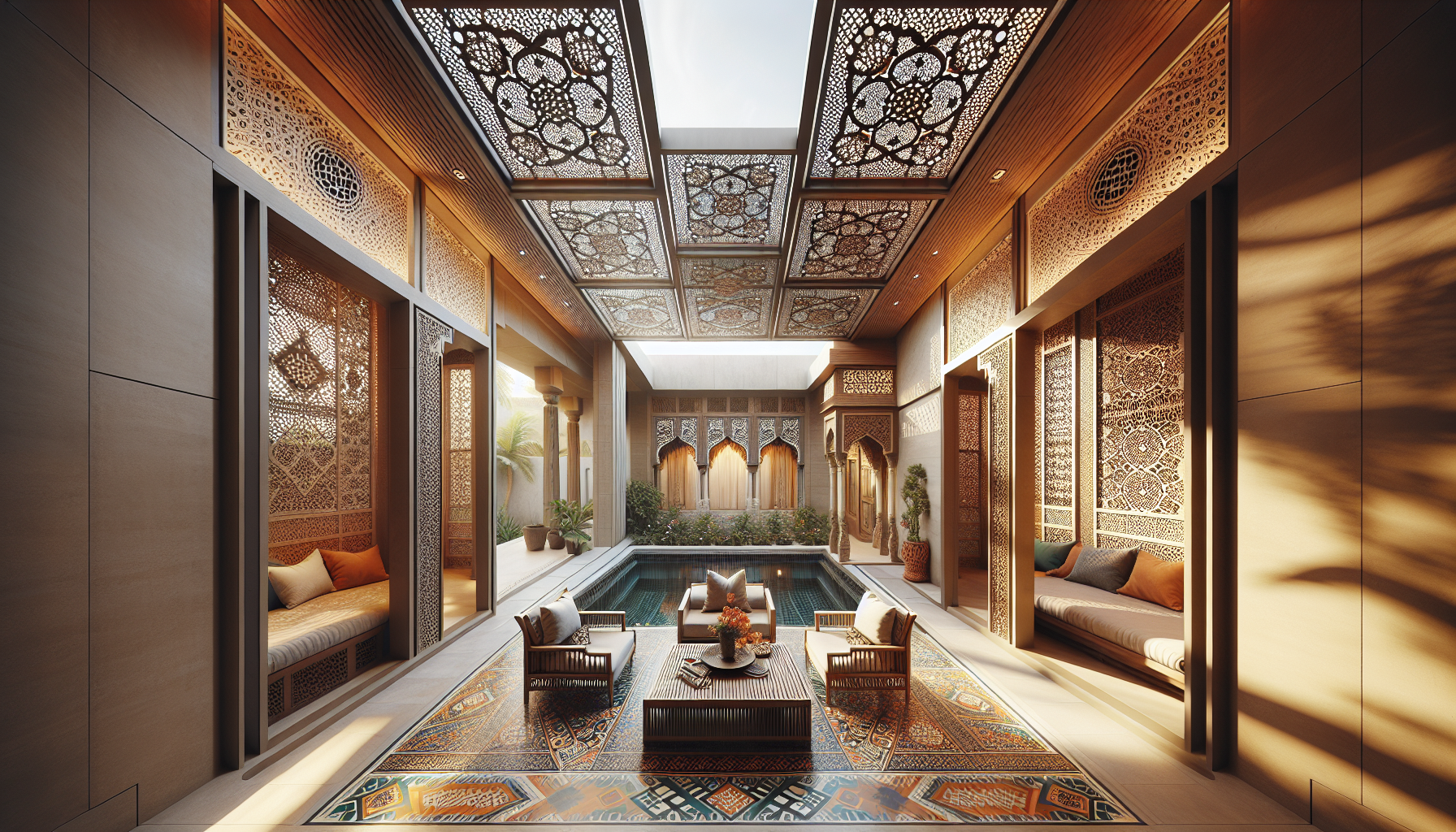
Imagine creating a stunning Rajasthani jaali-inspired partition that plays with light and shadow. 3ds Max allows for detailed texturing and realistic rendering, making your designs pop. While it might be overkill for simple projects, for those grand, sprawling villas, it's just the tool you need to make every detail shine. The software's advanced features are ideal for creating photorealistic visualizations, which can help secure client buy-in on high-budget projects.
For those looking to master 3ds Max, consider enrolling in a specialized course at institutes like MAAC or Arena Animation, where fees typically start at ₹30,000. These courses provide hands-on training and can significantly enhance your skill set.
Revit: The Collaboration King
In a world where teamwork makes the dream work, Revit stands out like a vibrant Kullu shawl. It's designed for collaboration, allowing multiple users to work on the same project simultaneously. Priced at around ₹1,50,000 annually, it's more than a tool—it's a platform for communication.
Think of a project where the architect, interior designer, and structural engineer need to work in harmony. Revit allows for seamless integration, ensuring everyone is on the same page. It's particularly popular in Chennai's burgeoning architecture scene, where modern meets traditional in every corner. If your project demands coordination, Revit is your go-to. The software's ability to update changes in real-time reduces errors and enhances efficiency, making it indispensable for large-scale projects.
An insider tip for Revit users is to leverage the software's family editor to create custom components that can be reused across different projects, saving both time and effort.
Lumion: Bring Your Designs to Life
When it comes to rendering, Lumion is the vibrant Banarasi silk saree of the software world. Its ability to transform static models into dynamic, lifelike renderings is unmatched. With pricing starting at around ₹1,00,000, it's an investment in bringing your designs to life.
Imagine walking a client through their future home, with sunlight filtering through the windows and birds chirping in the garden. Lumion's realistic rendering capabilities make this possible. Used widely from the studios in Hyderabad to the creative hubs in Pune, Lumion is the tool for designers who want to leave a lasting impression. The software's easy-to-use interface allows for quick adjustments, enabling designers to respond to client feedback swiftly.
For those new to Lumion, consider attending workshops or webinars hosted by design institutes like Raffles Millennium International, where you can learn advanced rendering techniques and tips to maximize the software's potential.
Blender: The Cost-Effective Alternative
For those on a tight budget, Blender offers a cost-effective alternative without compromising on quality. This open-source software is free to use and boasts a robust set of features for 3D modeling, rendering, and animation. Blender's flexibility makes it a favorite among freelance designers and small studios across India.
Imagine crafting a minimalist Scandinavian-style bedroom with clean lines and muted colors. Blender allows you to experiment with different textures and lighting setups to achieve the perfect look. While it may not have the same brand recognition as 3ds Max or Lumion, its capabilities are impressive, and its active online community provides a wealth of tutorials and resources.
To get the most out of Blender, consider investing in a high-quality graphics card, such as the NVIDIA GeForce RTX 3060, priced around ₹40,000. This will significantly enhance rendering speeds and overall performance.
Final Thoughts
Choosing the right software can feel like picking the perfect Kanjeevaram saree—there are so many beautiful options, each with its unique flair. But once you find the one that fits, it makes every project feel seamless. This weekend, why not download a free trial or two? Spend some time exploring these digital tools. Who knows, you might find a new favorite that transforms your design process, just like a touch of Kondapalli wood adds character to a modern living room.
Remember, the key is to match the software to your specific needs and project requirements. Whether you're designing a compact studio apartment in Gurgaon or a sprawling farmhouse in Coorg, the right tools can make all the difference. So, dive in, explore, and let your creativity flow.